What it does #
The “Add Leads under an Affiliate” action assigns a contact (lead) to an affiliate and their associated campaign, making sure affiliates are correctly credited.
You can now choose from three assignment methods for total flexibility.
TABLE OF CONTENTS
- What it does
- How to Use It
- Assignment Methods
How to Use It #
- In your workflow, add the action:
Add Leads under an Affiliate - Choose your assignment method:
- Manual
- Auto (Attribution)
- Custom Mapping
- Configure additional fields based on the method
- Save and publish the workflow
Assignment Methods #
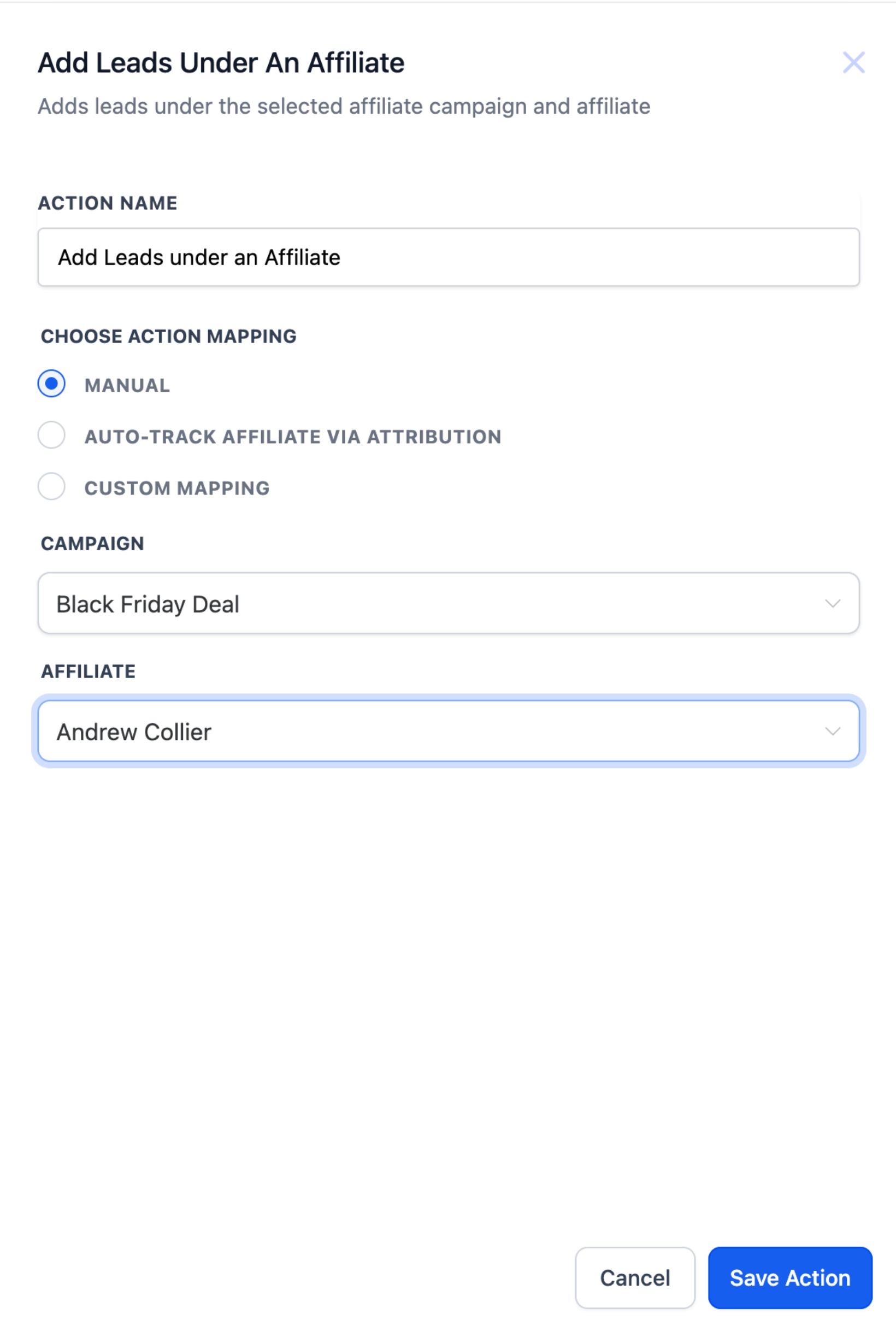
1. Manual : Manually assign a lead to a known affiliate in a specific campaign.
Best for: Form submissions, internal routing, admin decisions.
Steps:
- Select campaign
- Select affiliate (from affiliates in that campaign)
2. Auto (Attribution via URL) : Automatically assign leads using am_id passed in the URL parameters.
Supports first or last click attribution.
Steps:
- Choose Attribution Method: First / Last
- Make sure
am_idis passed earlier in the funnel (e.g., form/page URL)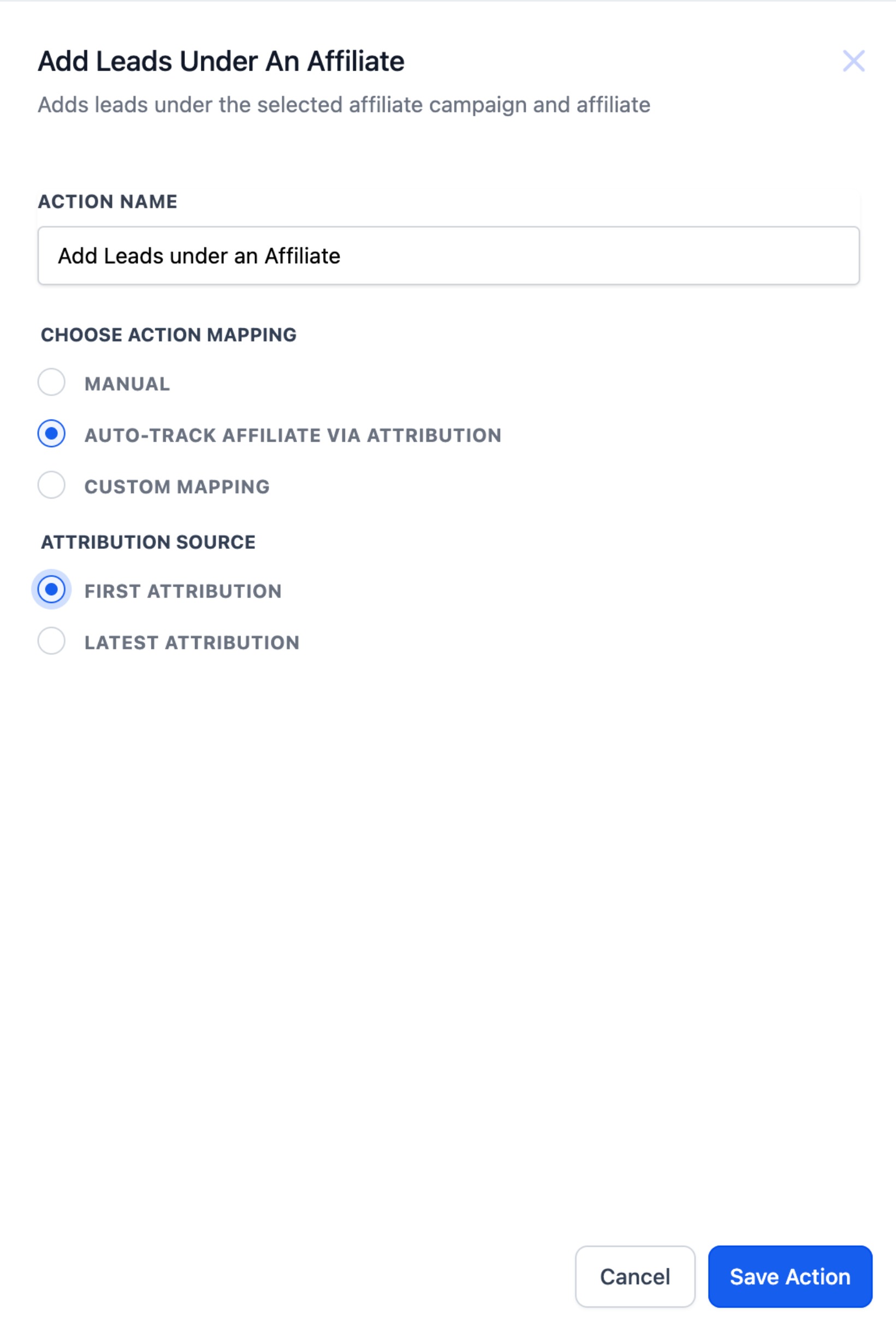
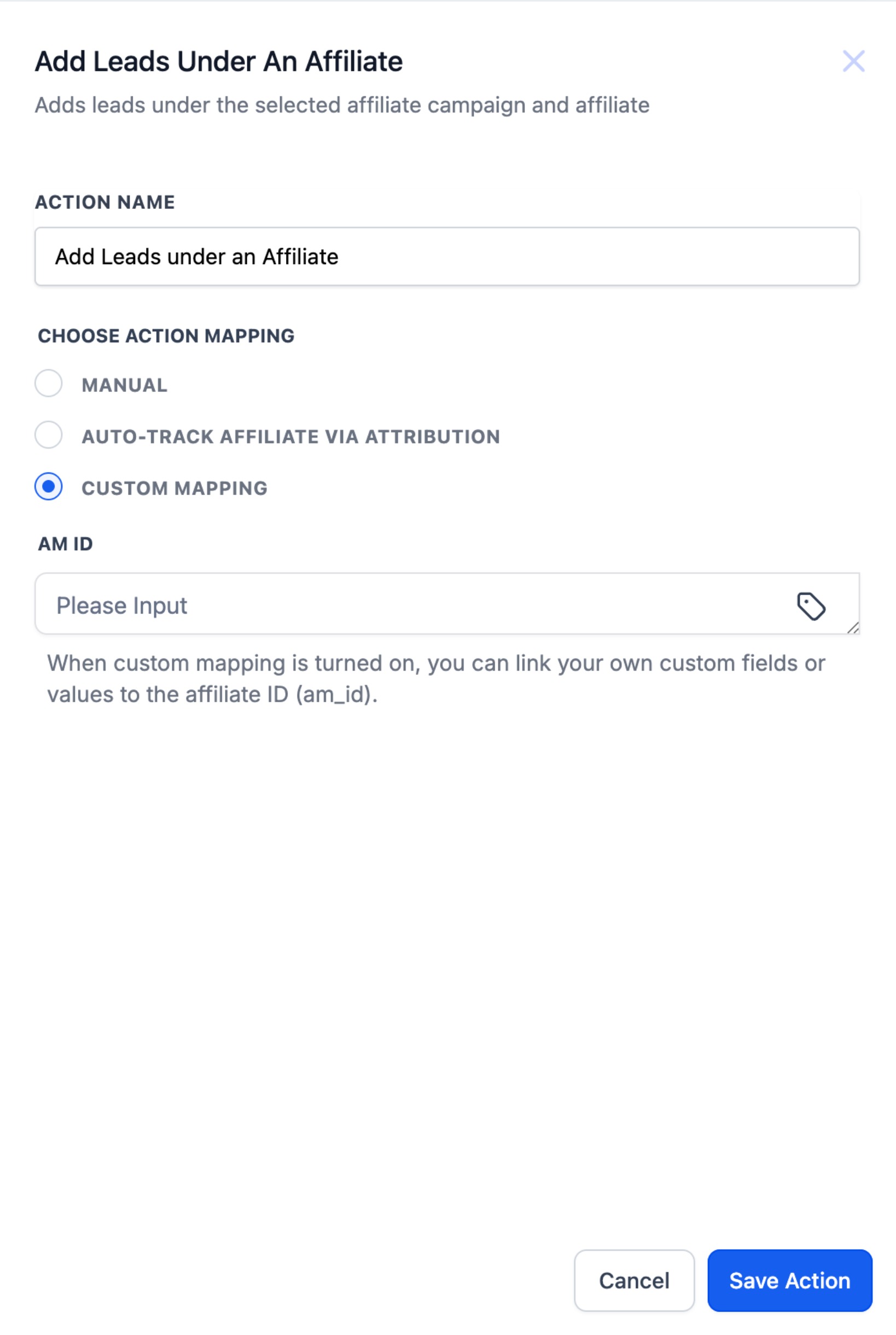
3. Custom Mapping : Use if am_id is stored in a custom field or passed as a workflow value.
Best for: API pushes, third-party systems, hidden fields on forms.
Steps:
- Choose mapping source: custom field or workflow value
- System reads value and assigns the lead to the matching affiliate